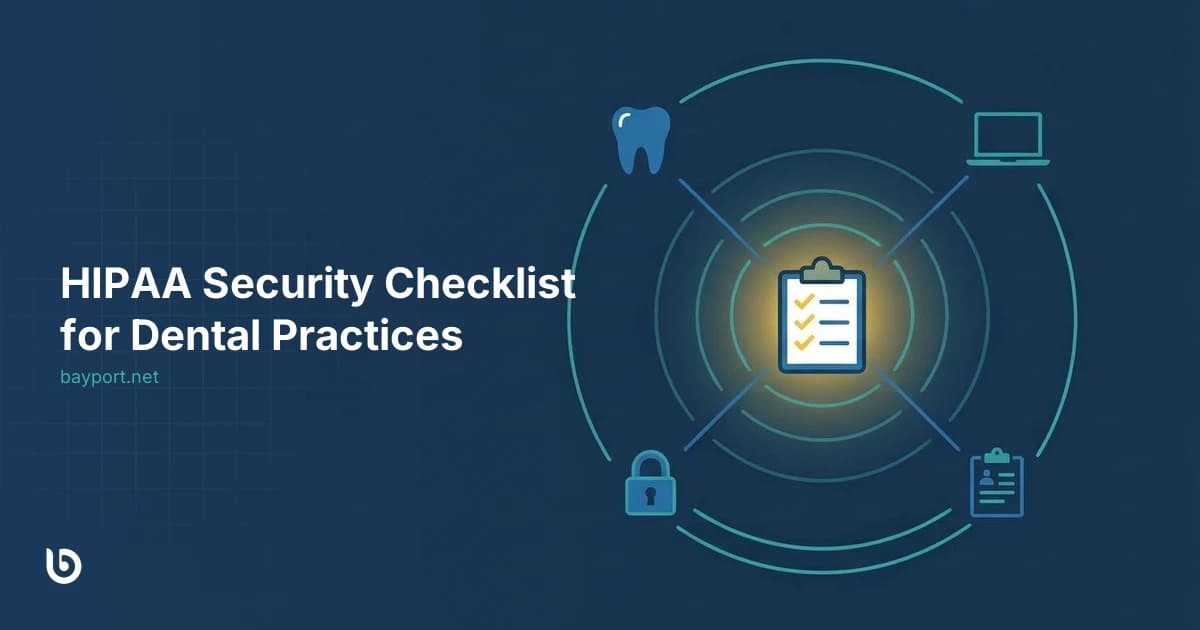
HIPAA Security for Dental Practices: A Plain-English Guide
HIPAA applies to every dental practice regardless of size. Whether you're a solo practitioner or a multi-location group, if you handle protected health information (PHI), you're required to implement reasonable security measures. Fines for violations range from $100 to $50,000 per incident — and healthcare data breaches average $10.93 million in total costs, the highest of any industry.
This guide explains what HIPAA actually requires for IT security, where most dental practices fall short, and what a practical security program looks like — without the legal jargon.
Why Dental Practices Are Targets
Dental practices are attractive to attackers for three reasons: they hold valuable patient records (including SSNs and insurance information), they typically have small IT budgets with minimal security, and they rely on practice management software that is often connected to the internet.
Ransomware groups specifically target practice management systems like Dentrix, Eaglesoft, and Open Dental. Front office staff — who handle patient communications, insurance claims, and scheduling — are prime phishing targets. A single clicked link can lock down your entire practice.
What HIPAA Actually Requires
The HIPAA Security Rule requires "covered entities" (including dental practices) to implement administrative, physical, and technical safeguards to protect electronic PHI. In practical terms, this means:
- Access controls — only authorized staff can access patient data
- Audit controls — logs of who accessed what and when
- Integrity controls — ensuring data hasn't been altered
- Transmission security — encryption for data in transit
- Risk analysis — a documented assessment of threats to PHI
- Contingency planning — backups and disaster recovery procedures
The rule is intentionally flexible about how you implement these safeguards, but you must be able to demonstrate that you've addressed each requirement.
Where Most Practices Fall Short
Based on what we see in the Bay Area, these are the most common gaps in dental practice security:
- No EDR:Many practices still rely on basic antivirus, which doesn't detect modern threats. Cyber insurers now require endpoint detection and response (EDR) specifically.
- No MFA on email:If your practice email doesn't require a second factor to log in, a compromised password gives an attacker access to patient communications and attachments.
- No documented incident response plan: Most practices have no written procedure for what to do if a breach occurs. HIPAA requires one, and so do insurers.
- Unencrypted or network-attached backups: If your backups are on the same network as your workstations, ransomware can encrypt them too.
- No staff training: Front desk staff are your first line of defense against phishing — but most practices provide no security training.
What Managed Security Looks Like for a Small Practice
For a 5–20 chair dental practice, a managed security program typically includes:
- EDR on every workstation, server, and any device that touches patient data
- 24/7 SOC monitoring — human analysts watching for threats
- MFA on all email and remote access accounts
- Security awareness training with simulated phishing for all staff
- Immutable backups with tested recovery — verified monthly
- Quarterly compliance evidence packages — documentation you can hand to an auditor or insurer
This layers on top of your existing IT setup. Your practice management software — whether Dentrix, Eaglesoft, Open Dental, or another system — continues to run normally. The security layer monitors, protects, and documents without disrupting your workflow.
The Bottom Line
HIPAA compliance isn't a one-time checkbox — it's an ongoing obligation. The practices that handle it best treat security as a managed service, not an IT project. You get protection, documentation, and insurance readiness in one program, delivered by a named team that knows your practice.